Acorns of Wisdom

A web app for running anonymous team health checks, built for my own team, deployed, and still in use.

Try the app open_in_new
Role

Self-directed

Timeline

2 weeks, February 2026

Stack
Built with Claude Code React Firebase Firestore Vercel
Acorns of Wisdom dashboard showing team health check ratings with acorn icons and anonymous animal identities
01

The problem

A team health check is a structured check-in where people rate dimensions of how the team is working: things like psychological safety, clarity of direction, or whether meetings feel useful. Unlike a retrospective, which focuses on a sprint, a health check surfaces broader patterns: are people aligned? Do they feel safe raising concerns?

My team didn't have a consistent way to run these. Generic survey tools didn't fit our cadence and felt like homework. I wanted something low-ceremony, anonymous by default, and designed to end with action items, not just data.

What I built

Acorns of Wisdom is a facilitated session tool. A facilitator sets up a session with health check prompts, team members rate each one anonymously, and the group reviews results together and captures action items, all in the same browser tab, without accounts or survey software.

The central design commitment is anonymity. Multi-user anonymous ratings let people be honest about how the team is doing in a way that a meeting rarely allows.

A session in three steps

The facilitator sets up a session and shares a passcode with the team. Everyone joins from their own device, rates each prompt anonymously, and then the group reviews results together and captures action items, all in one tab, no accounts required.

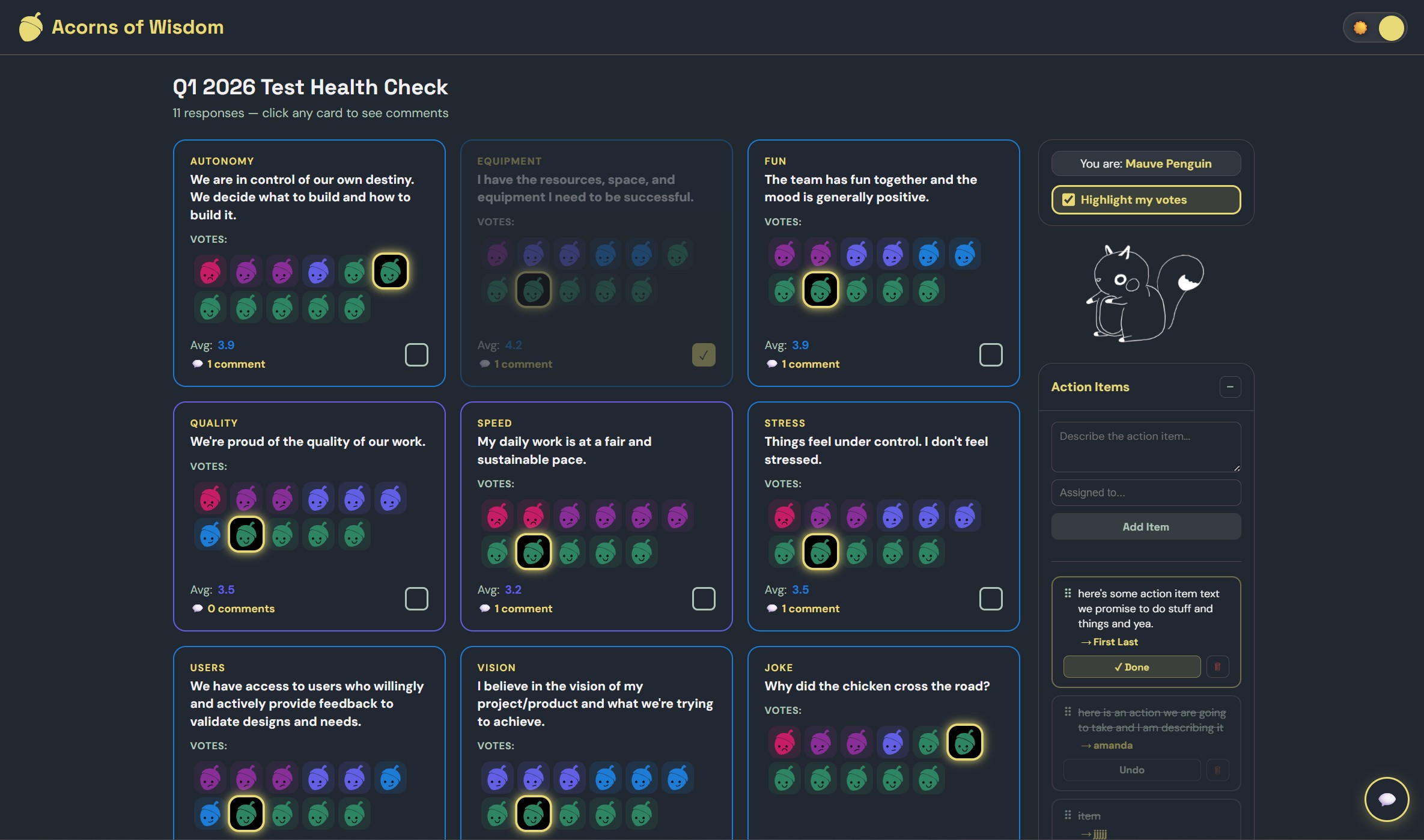
The main results dashboard showing 9 rating cards, acorn vote icons, anonymous identity, and action items panel

The results dashboard

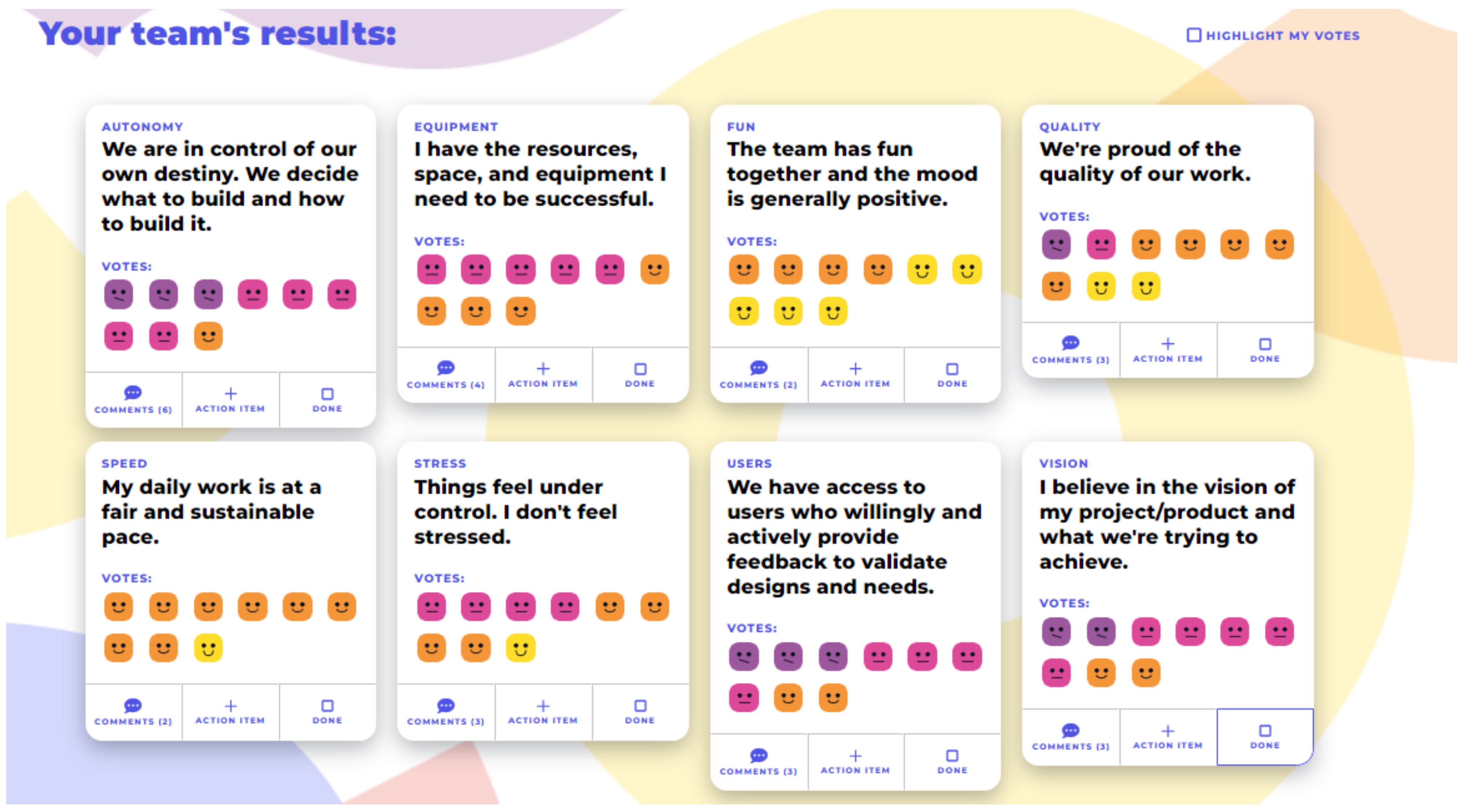
Every prompt gets its own card showing the distribution of votes, visualized as acorn icons colored from red (low) to green (high). The current user's votes are highlighted in yellow so they can see how their ratings compare to the group's. Action items live in the same sidebar, so the team leaves with follow-ups, not just data.

Step 1

Set the agenda

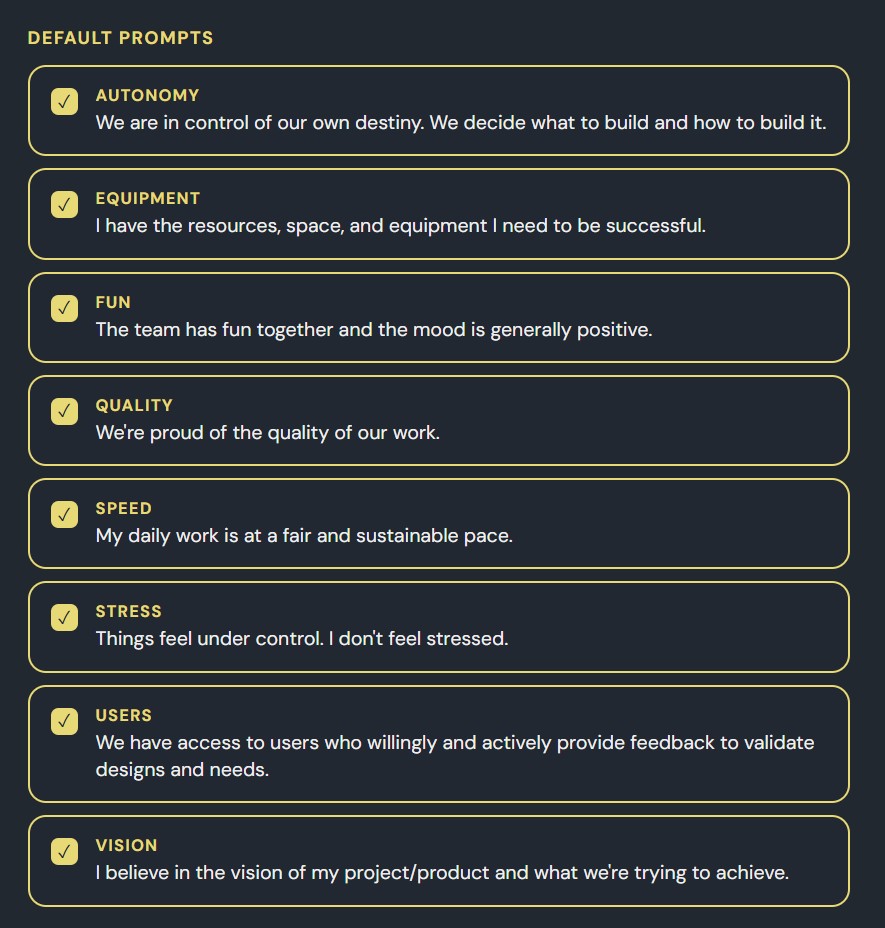
Eight default health check categories shown as selectable cards with yellow checkmarks

Built-in categories

Eight pre-built prompts cover the dimensions that matter most to most teams: autonomy, equipment, quality, stress, vision, and more. Toggle any on or off before starting.

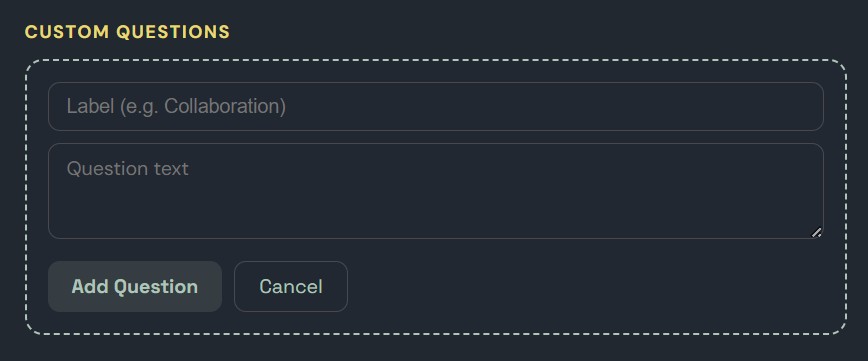
Custom question form with label and question text fields

Custom questions

Facilitators can write their own prompts alongside the defaults, for things the built-in set doesn't cover: a restructure, a new process, a specific friction point.

Step 2

Rate anonymously

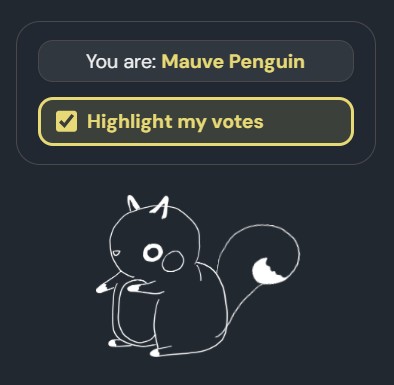
Sidebar showing 'You are: Mauve Penguin' with animated squirrel mascot

You are: Mauve Penguin

Each participant is assigned a random animal name on join. No accounts, no real names. The identity is consistent within the session so the chat makes sense, but nothing traces back to the individual.

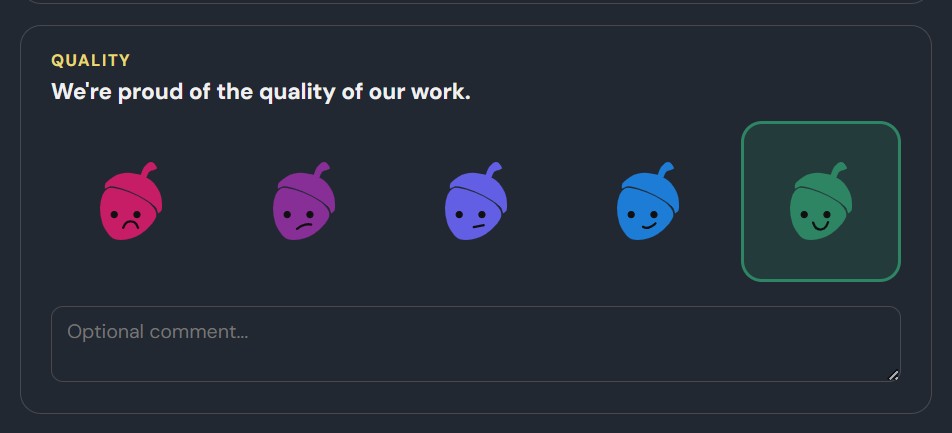
Rating scale showing five acorn icons from red frowning to green smiling, with optional comment field

Five-point acorn scale

Each prompt gets a rating from 1 to 5, visualized as expressive acorn icons. Participants can add an anonymous comment with any rating.

Step 3

Review and act

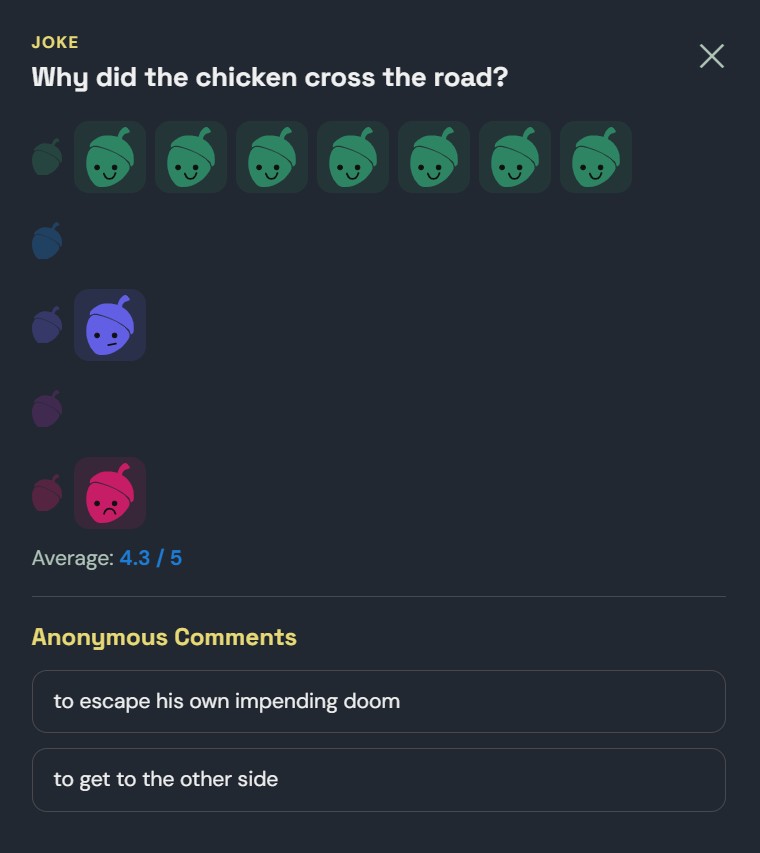
Expanded card showing individual vote breakdown and anonymous comments

Open any card

Clicking a rating card expands it to show every individual vote (who rated what, without names) plus all anonymous comments. Gives the team something concrete to discuss rather than just an average.

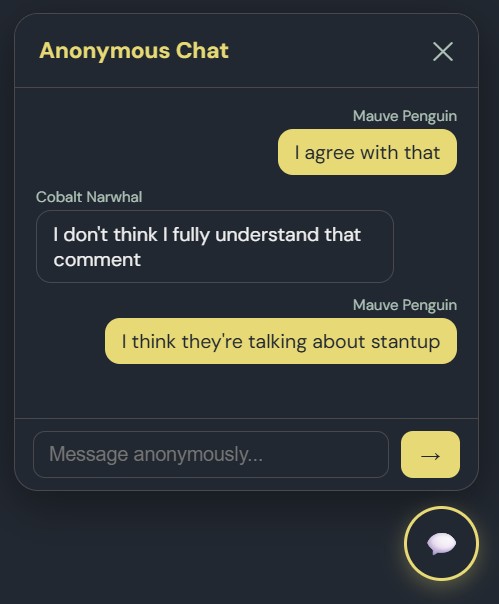
Anonymous chat panel showing messages between Mauve Penguin and Cobalt Narwhal

Chat in character

A real-time anonymous chat runs alongside the results. Participants talk as their animal selves. Cobalt Narwhal replies to Mauve Penguin, so the conversation stays honest even when the topic is uncomfortable.

Takeaway

What I learned

The real byproduct of building this wasn't the tool. It was hands-on fluency with AI-assisted prototyping. I now have a much sharper sense of what's fast to build and what isn't, and that changes how I scope and validate ideas with engineering teams. A PM who has built something under constraint talks differently to engineering teams than one who hasn't. The vocabulary is different. The estimates are different. The conversations are different.

What this is and isn't

Acorns is a real tool that a real team uses. It's also a small, opinionated thing. Here's what it isn't.

  • Acorns is built for my team and teams like it. It hasn't been tested with teams larger than about a dozen.

  • Passcode protection is lightweight, not security-grade. Anyone on the team with the passcode can see everything.

  • Data lives in a single Firestore instance. This was the right call for my use case and would not be the right call at any kind of scale.

  • There is no export, no analytics over time, and no integration with anything. On purpose, for now.