Literary Clock
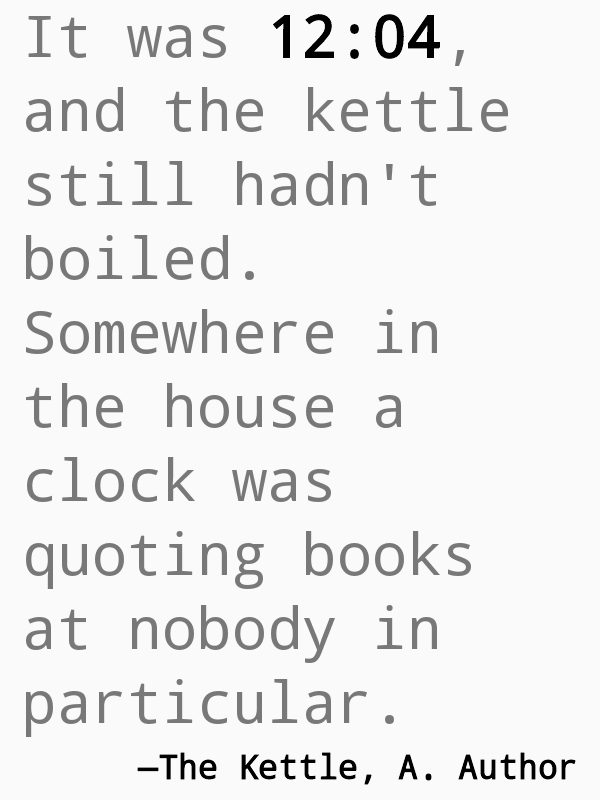
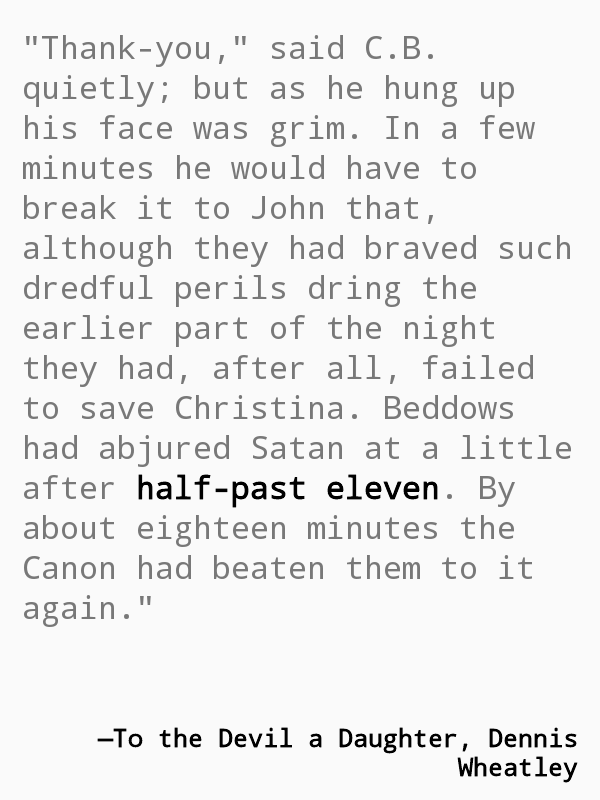
An old Nook e-reader that tells the time by quoting books. Every minute it shows a passage in which that exact time appears. There are 2,340 of them. Built as a gift.
- Role
- Everything: hardware, software, manual. Built with Claude Code
- Timeline
- Finished September 2026
- Hardware
- Nook Simple Touch GlowLight, 6 inch e-ink, Android 2.1
Context
Literary clocks are a small internet tradition: a screen that shows a line from a book naming the current time. The quotes are crowdsourced, starting from a Guardian project, and people have built them on Kindles and Kobos for years. I wanted to make one as a gift, on a Nook Simple Touch with a front light, so it could sit on a shelf and be read in the dark.
Problem
The Nook runs Android 2.1 from 2010. It can't install modern apps, its browser has JavaScript turned off, and its screen goes to sleep. Almost nothing in the existing guides worked on it as written. And the person opening the box would have no way to call me for help at 2:14 in the morning.
Approach
A build document, tagged by who does what. Every step was marked as mine with my hands on the device, Claude Code's on the computer, or both. Destructive steps, like flashing the device, were always mine. A full backup came before anything irreversible.
Try it on the device, write down what failed. Six approaches failed on the real hardware, from browsers that wouldn't install to a screensaver that only draws once. Each one went into a "what did not work" table so nobody repeats it. The clock that works is a small shell script that writes a page every minute and a tiny fullscreen app that shows it.
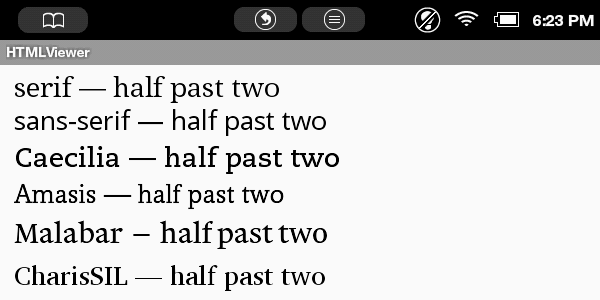
Built so the owner can make it theirs. Any minute can be replaced with a quote of your own by dropping a text file named for the time onto the memory card. Get the format wrong and the normal quote shows instead, so you can't break it. The font is a single line in a settings file.
A printed manual. The gift came with an illustrated user manual: turning it on, the reading light, fixing the time, adding your own quotes, changing the font, and what to do if something looks wrong. The flash drive holds everything else: the source, the whole quote database, and the story of how it was built.
Decisions
Fix the bugs a photo can find
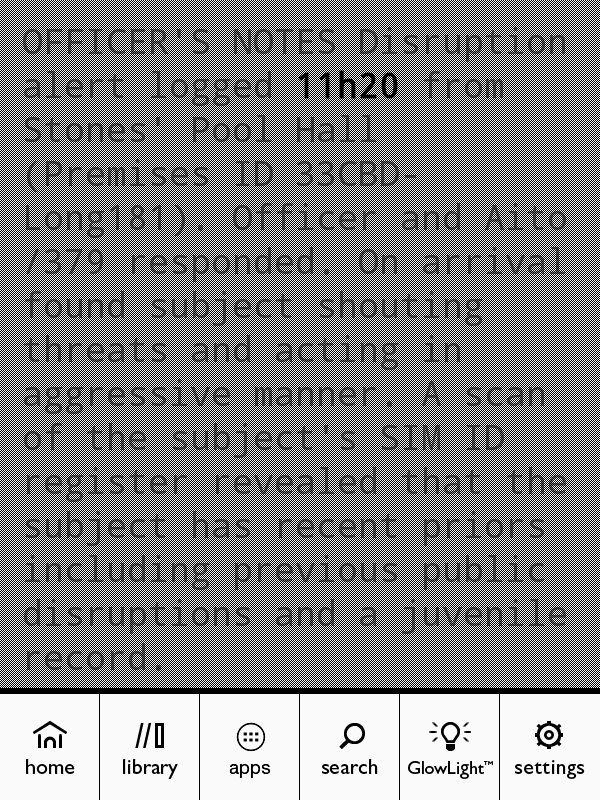
After it was built, photos of the clock turned up three bugs: a system menu that froze the screen, a display that slowly drifted behind the real time, and long quotes that pushed their credit off the bottom. Each was traced on the device and fixed. All 2,340 quotes were then run through the layout and checked; none overflow.
What I learned. Photos from real use found three bugs that testing on the bench missed.
Empty minutes are a feature
The quotes only cover 974 of the day's 1,440 minutes, because books say "three o'clock" far more often than "three fourteen". Instead of hiding that, the manual points it out: an empty minute is the best place for a quote of your own, because it's the only thing that will ever show at that time.
What I learned. Naming the gap in the manual gave the owner a reason to add quotes of their own.
Outcome
The clock runs offline, starts itself after a restart, and has been checked against every quote it can show.