Stage VR
Rehearse the recital before the recital. Stage VR puts a musician on a real concert hall stage, captured in 360, inside a Meta Quest 3, with their own sheet music on the stand and any instrument in their hands. Stage VR is a working name.
- Role
- Product owner and designer, with a Detroit Symphony Orchestra musician as partner and subject matter expert. I direct the build; Claude Code writes the code
- Timeline
- October 2026 to now, in alpha
- Stack
- Unity, Meta XR SDK, TypeScript, Cloudflare Workers, built with Claude Code
Context
Stage VR started at a public showing of Piano Lab Pro, the Apple Vision Pro app I led at the University of Michigan for piano students facing performance anxiety. A member of the Detroit Symphony Orchestra, who plays a wind instrument, tried it and wanted the same thing for musicians who don't play piano. We started talking, and partnered to build it for the Meta Quest.
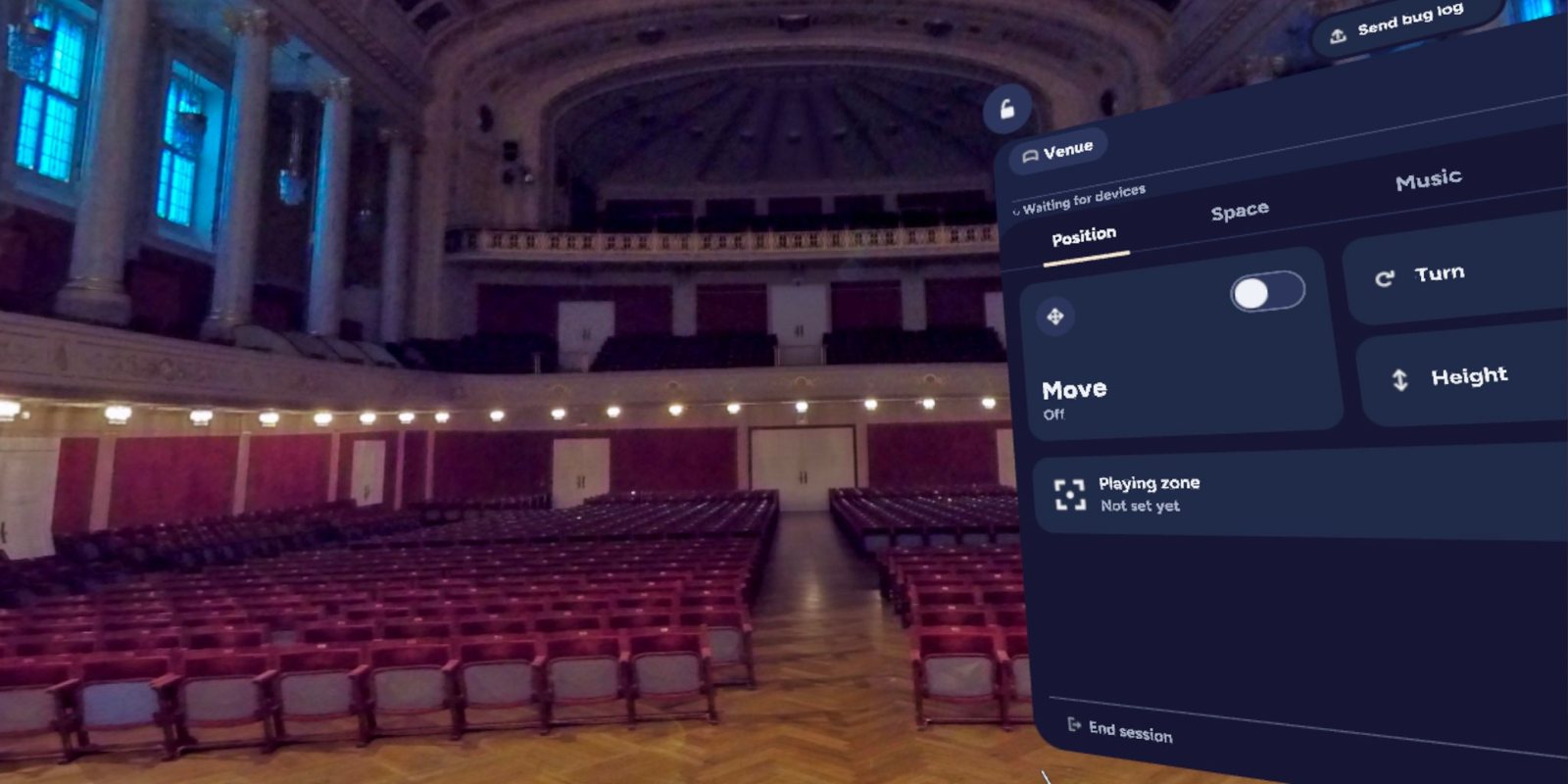
It's a different app with a different focus. Performers upload their own venues as 360 photos or panoramas, switch between them, and set up each venue's audience and lighting from inside the headset. Their sheet music and audio files open right in the headset too, and breathing exercises and affirmations help them settle before they play. None of that exists in Piano Lab Pro, and it runs on a completely different device.
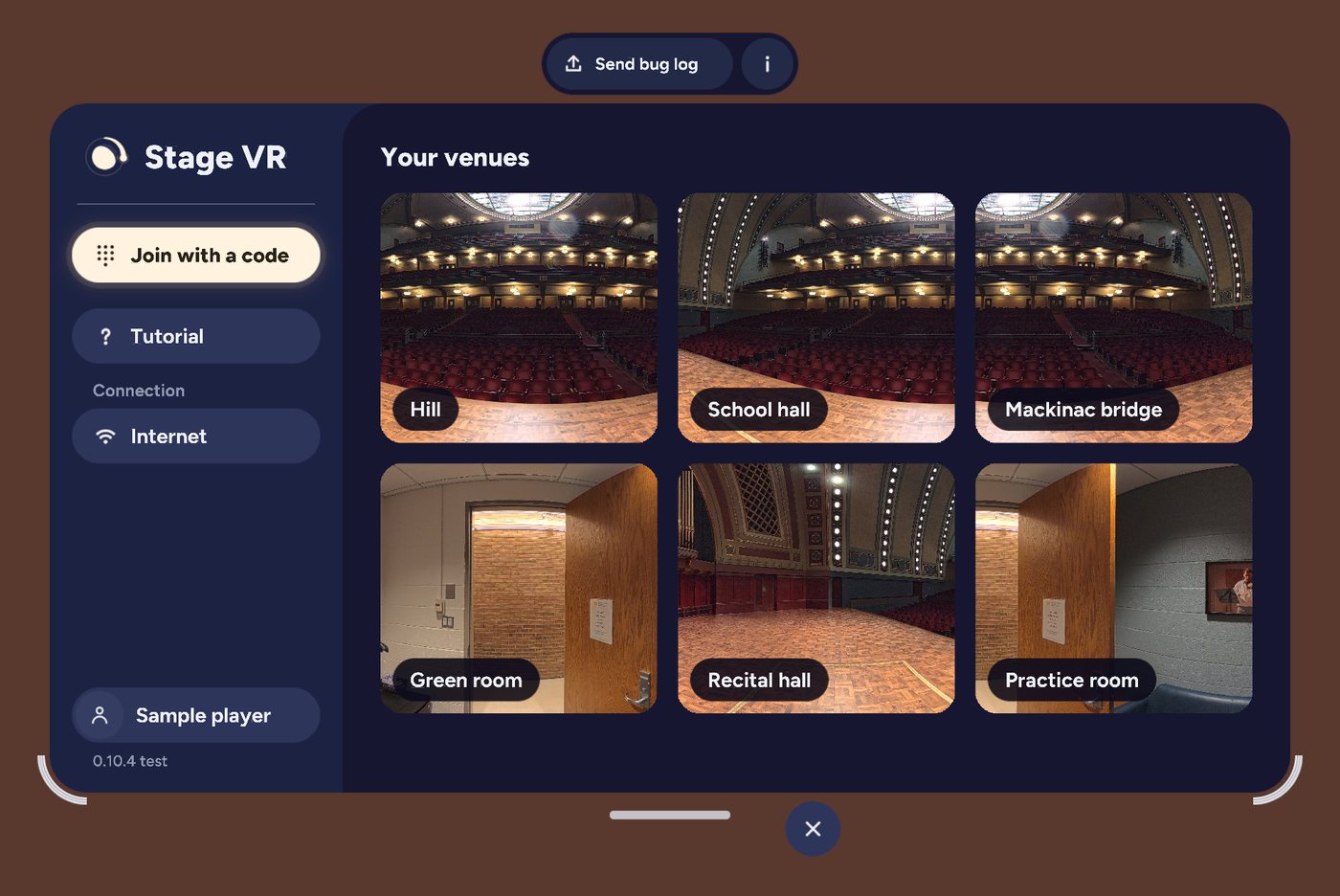
Every performer starts with Orchestra Hall in Detroit, home of the Detroit Symphony Orchestra, and can add any stage they can capture in 360.
Problem
The product has to clear a high bar before anyone gets nervous in it. A performer who is already anxious has to be able to put on the headset, join from their own tablet, see the hall and their music, and start playing within a minute. Every feature was judged against that.
Three things made that hard. Sheet music has to be readable in a headset, which most VR text is not. Musicians need to see their real hands, keys and instrument while they play. And practice rooms often have no reliable internet.
Approach
Decide and test first. Before building features, I ran a set of spikes, each answering one risky question on the real headset: can music be read, can the real keyboard show through, does it work with no internet, how sharp can the hall be. Each spike ended with a written answer and a decision. Two weeks later, the same stage held a full two-page spread of real sheet music.
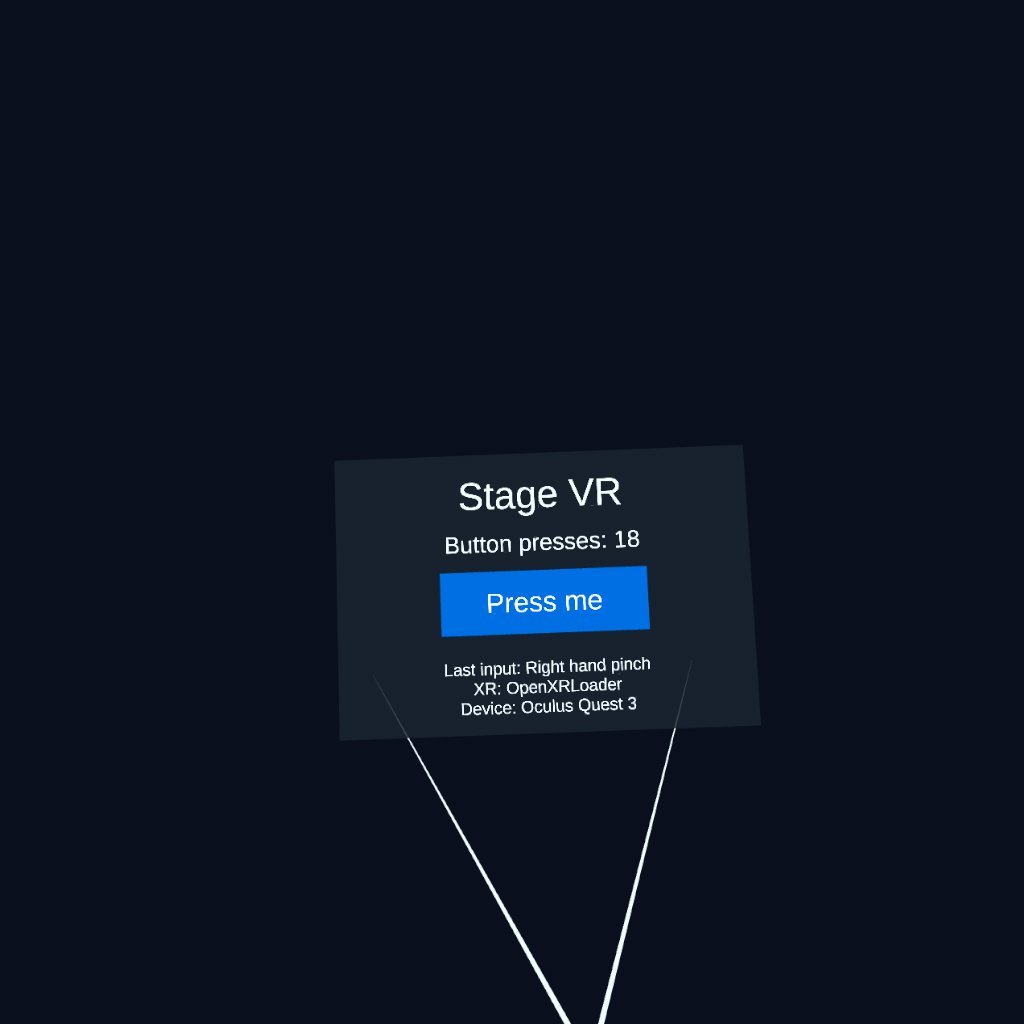
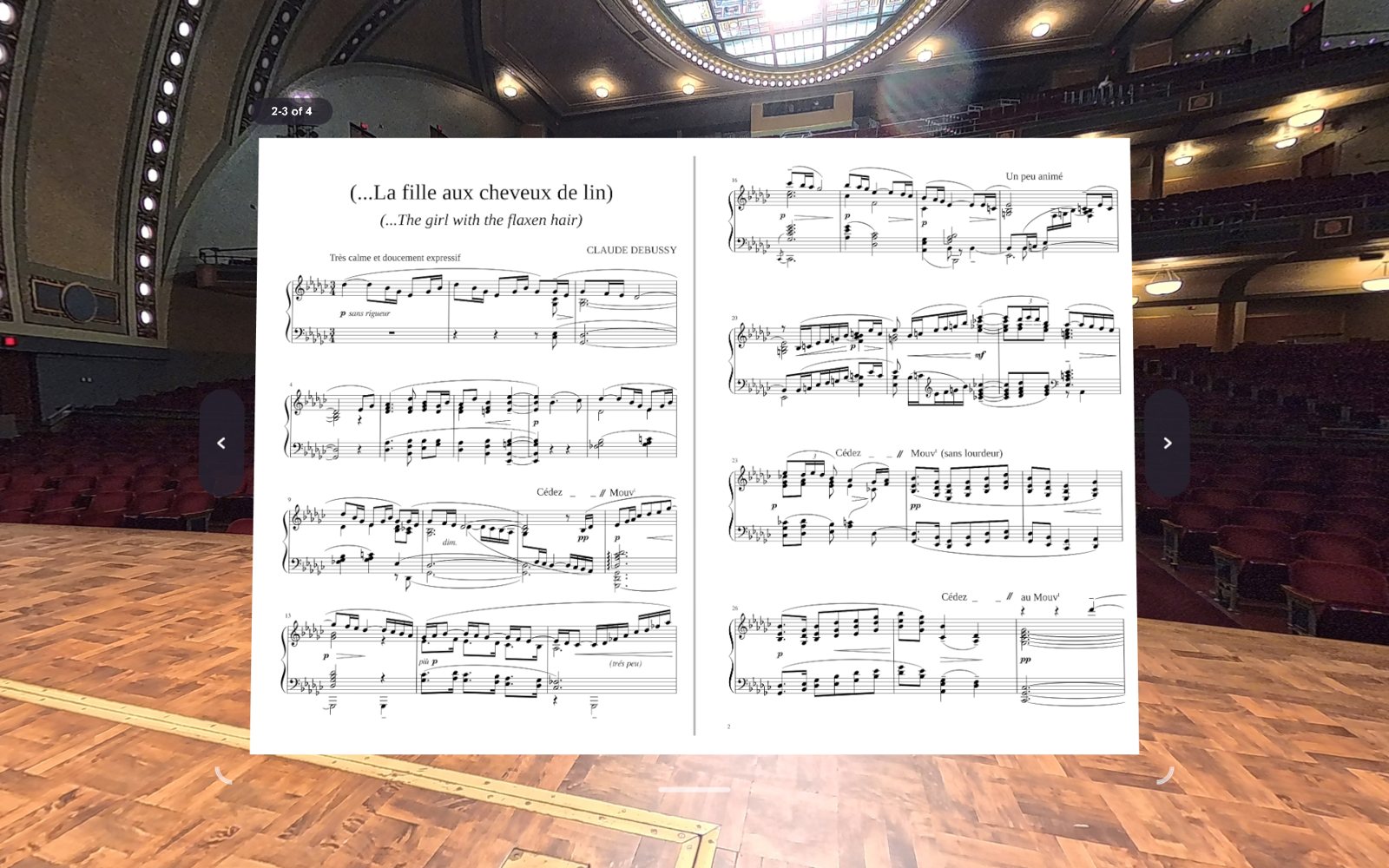
Readability decided the architecture. A test page looked like a failure until the logs showed it had been read on a plain panel. Drawn on the headset's compositor layer instead, it read clean, and that settled how all music is shown.
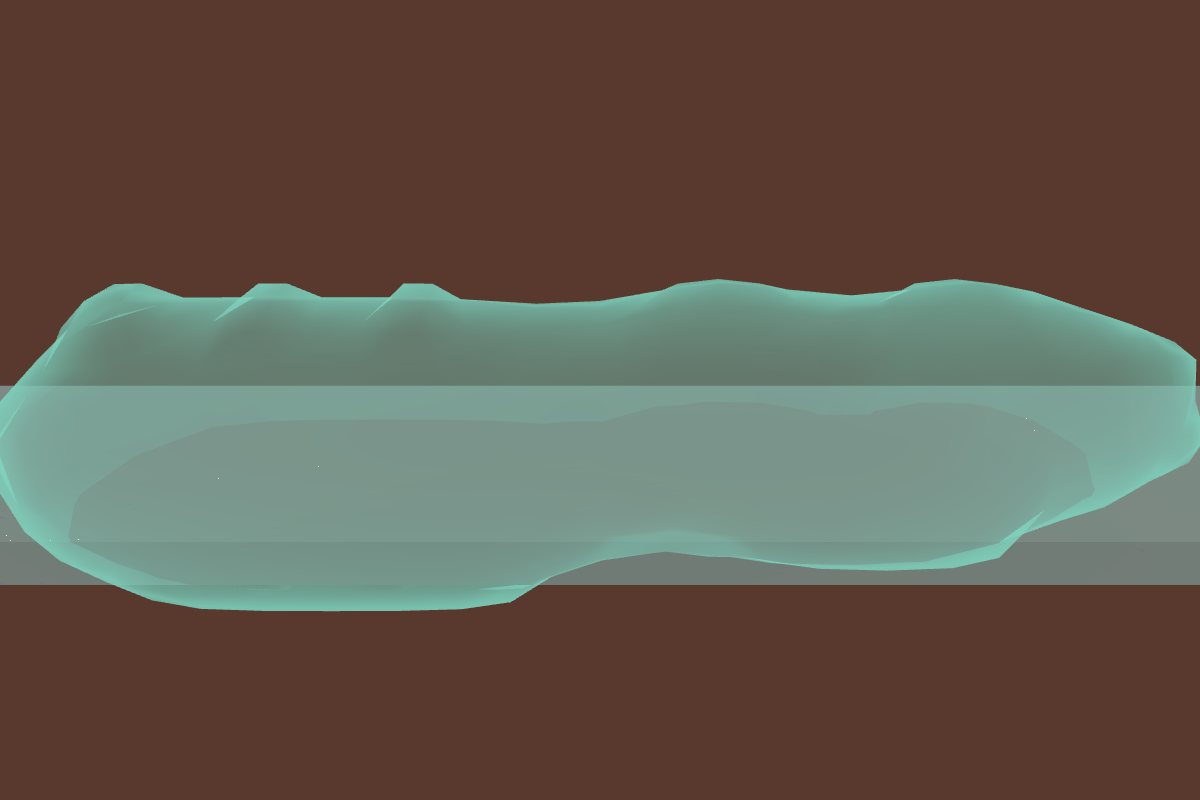
Any instrument, its own space. A pianist sits at a keyboard; a cellist holds the instrument in front of them. Each performer sets a playing zone around their real instrument, and the hall opens up there so they can see their hands and the instrument while they play.

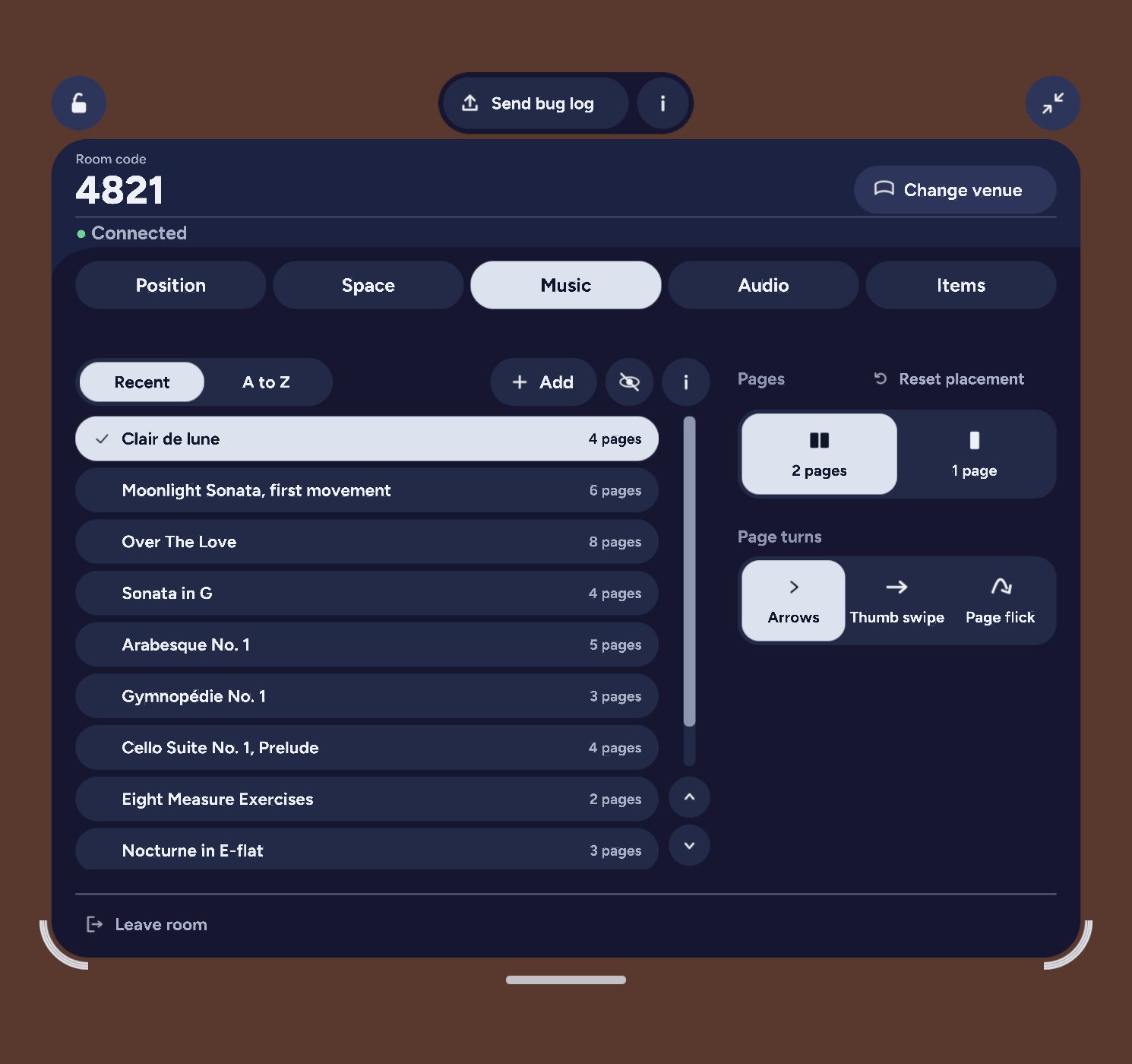
Music comes from the musician's own device. Performers add a PDF or photos of their music on the website or their phone, start a session, and join it from the headset with a 4-digit code. Pages turn the way they already do. With no internet, the headset serves the sending page itself over the local network.
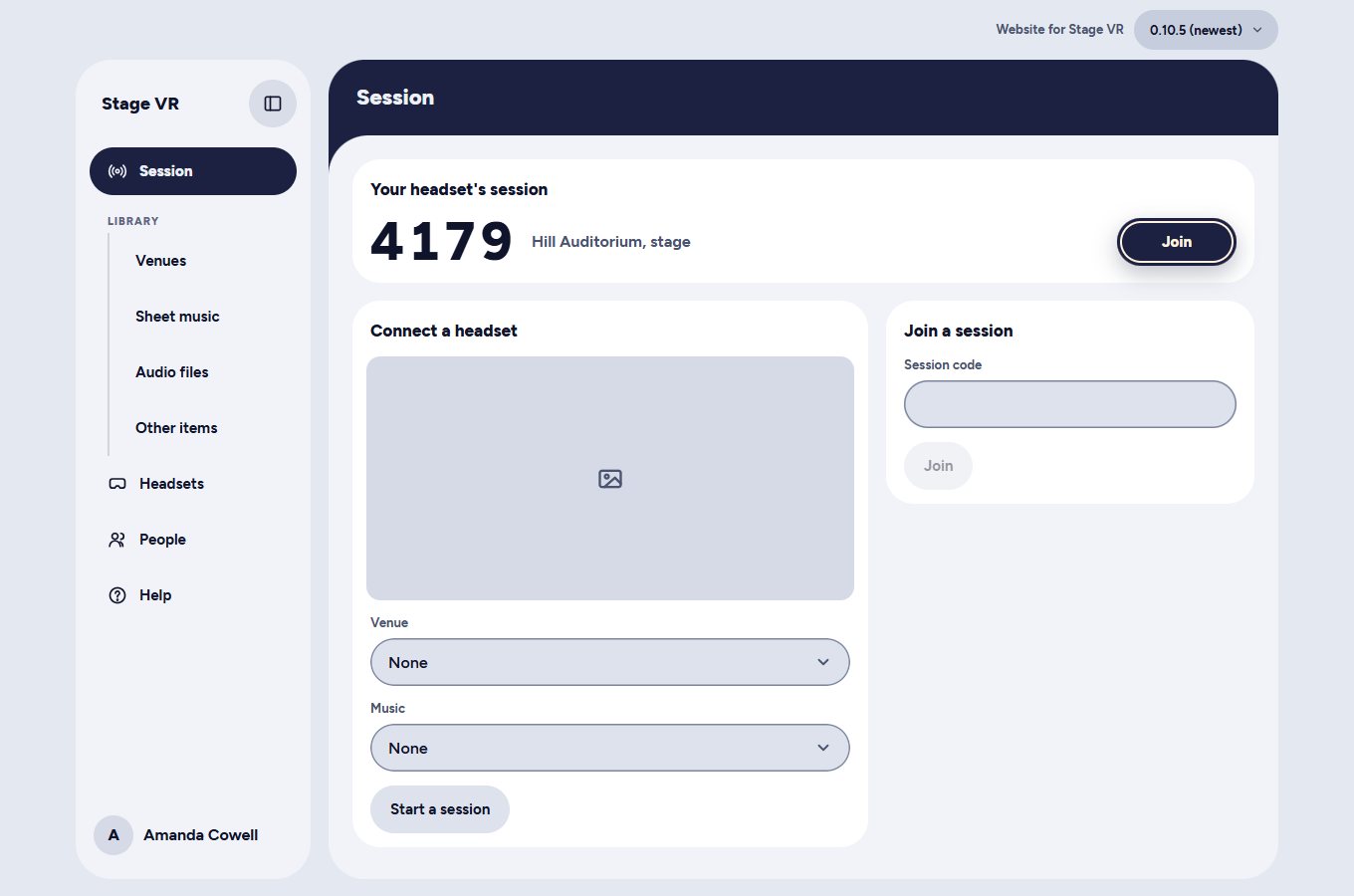
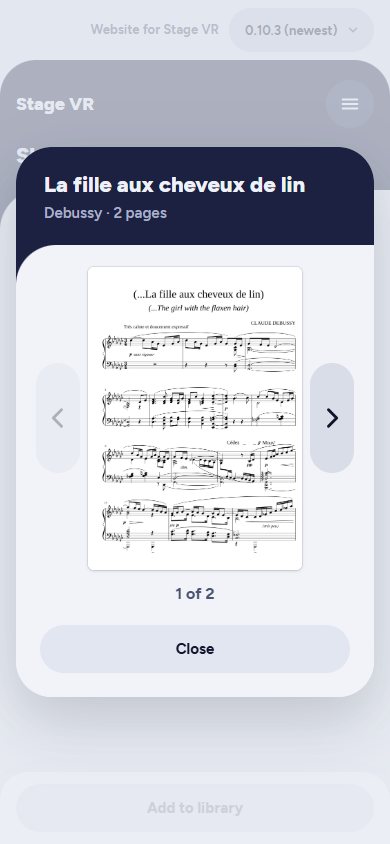
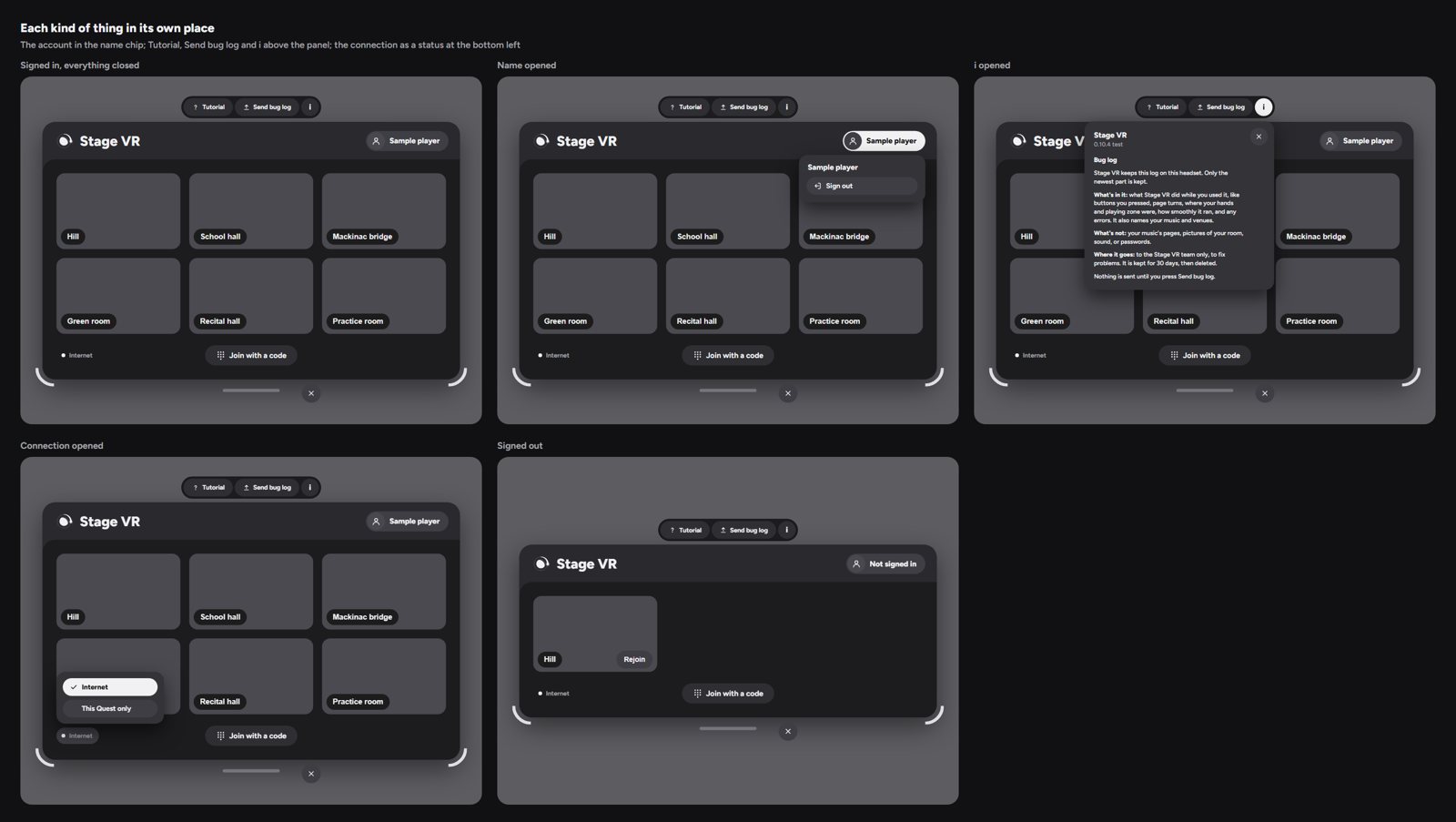
Design by review, one question at a time. I review every screen as a mockup before it's built, then again in the headset. After the first proposal came back as three directions on one long page, I set a rule: one screen and one question per review. The home screen went through several versions before landing on one built around your venues.
Decisions
Three calls that shaped what Stage VR is.
Quest 3, built native
A browser app would have been easier to ship, but it couldn't run fully offline, find a sending device on a local network, or draw music sharp enough to read. I chose a native app on the Quest 3, with every Meta-specific piece kept behind an adapter so it can move to other headsets later.
What I learned. Choosing the headset also chose who could afford to use the app.
One menu, five tabs, in setup order
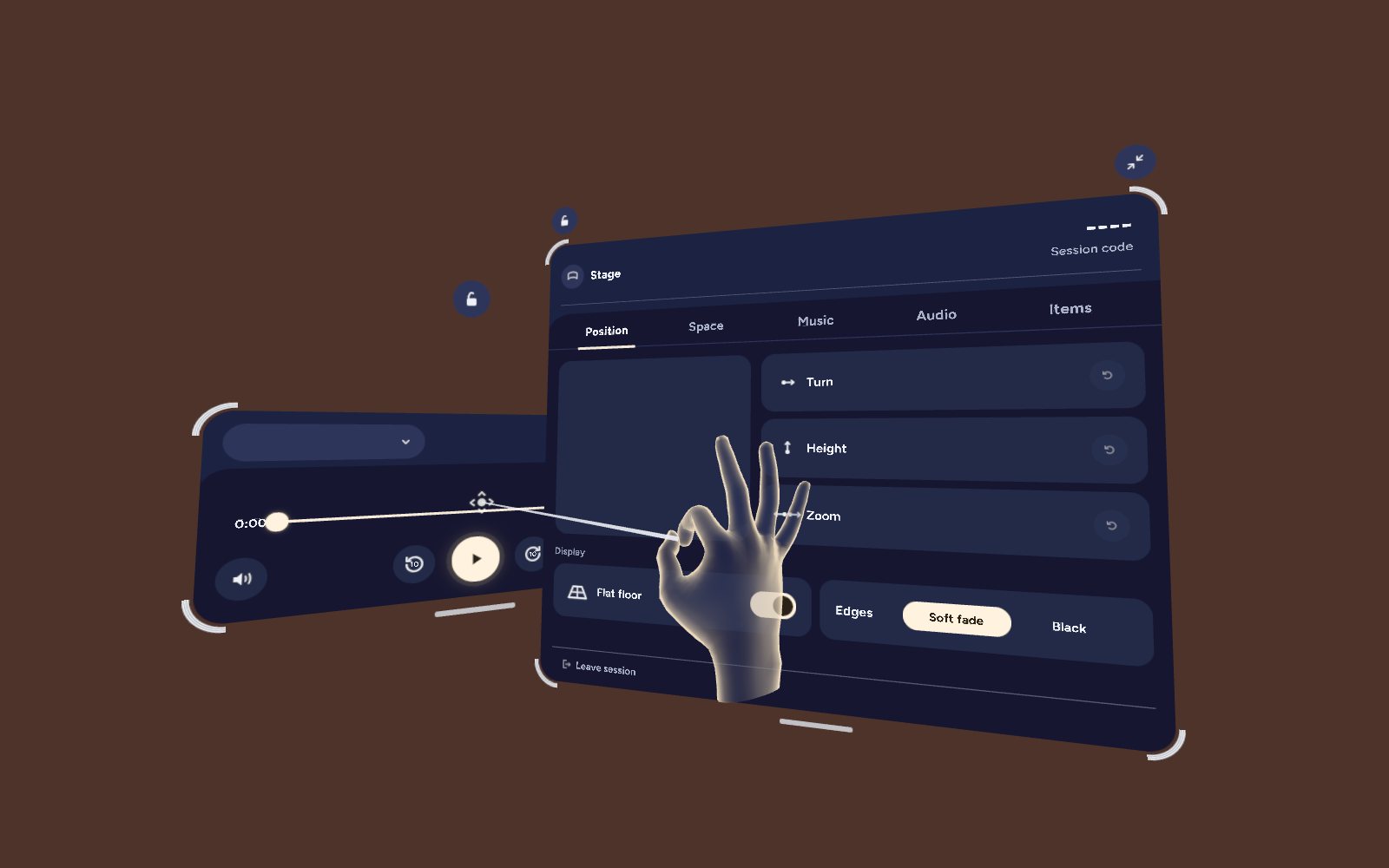
Early versions scattered controls across panels. The menu became one strip of five tabs in the order you set up: Position, Space, Music, Audio, Items. A few rules hold it together: warm means on, hold a name to learn what it does instead of hunting for info buttons, and nothing smaller than you can comfortably hit.
What I learned. A few rules the whole team can repeat kept the menu consistent as it grew.
Every decision written down
Working with an AI engineer, the risk is drift. Every technical decision goes into a decision log with the reasons and the alternatives, every working session ends with a log entry, and every headset test comes with a test card. The log passed 260 decisions in its first month.
What I learned. Delivery habits matter more when the builder is fast.
Outcome
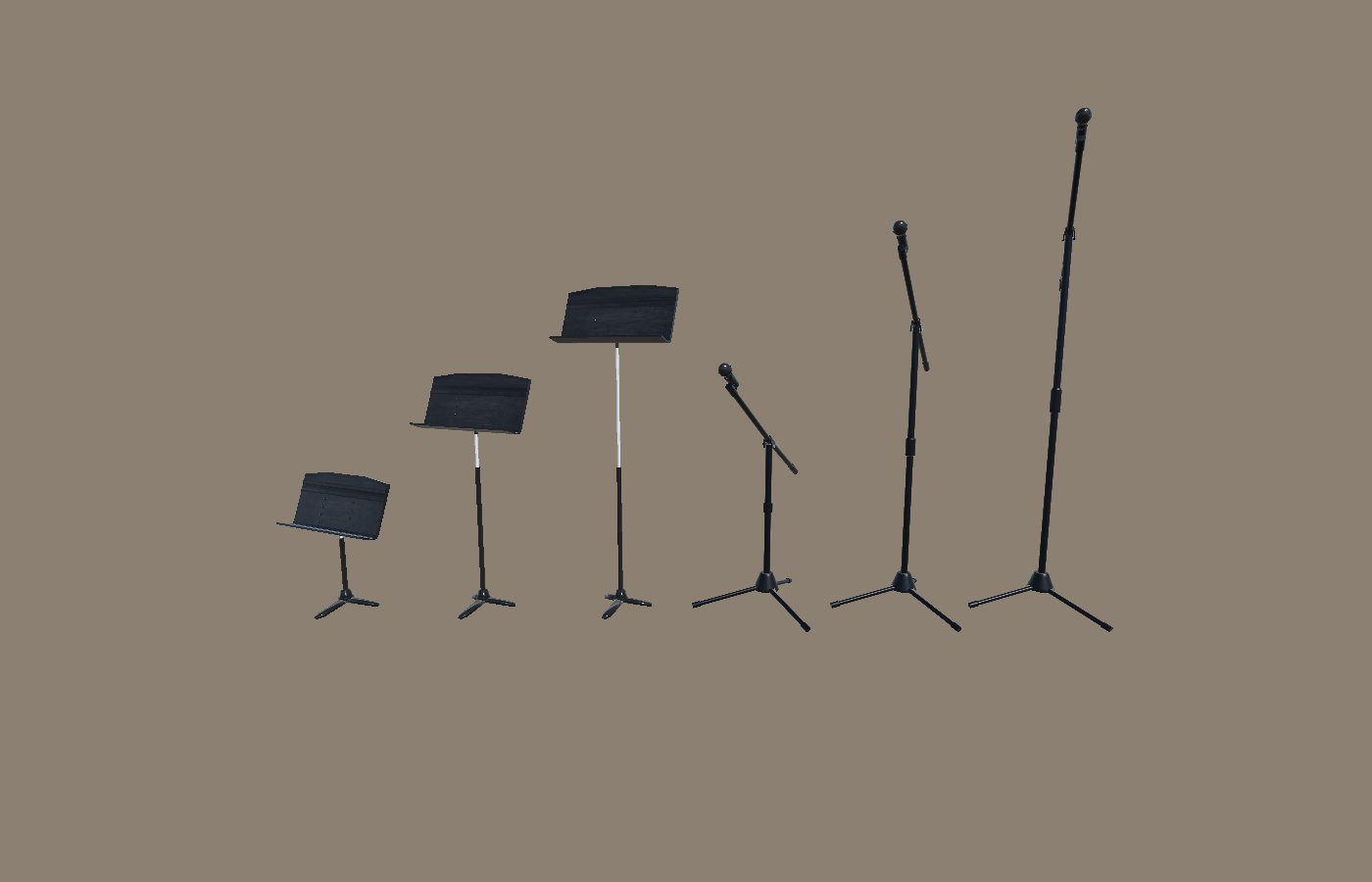
Stage VR is in alpha on the Meta Quest store's testing channel. Performers can bring their own music from any device, rehearse in any venue they can photograph in 360 with the audience and lighting they choose, see their real hands and instrument, and practice with no internet. Breathing exercises and affirmations are there for the nerves before the first note. A tutorial with guide hands teaches every move, and music stands and a microphone can be placed on stage.
In front of real students. My partner is a working musician with deep experience in auditions and music performance anxiety. He has been putting the prototypes in front of students in multiple states who are preparing for auditions, and using them to help those students prepare.