StageBright
A Meta Quest app for rehearsing a performance in a concert hall, with any instrument and your own music on the stand.
- Role
- Product owner and designer. I direct the build, and Claude Code writes the code
- Team
- Me, and a Detroit Symphony Orchestra musician as my partner and subject matter expert
- Timeline
- October 2026 to now
- Status
- In testing on Meta Quest, with students preparing for auditions
Why I built it
Whenever I talked about Piano Lab Pro, the Vision Pro app I led at U-M, one question came up more than almost any other. Does it work for other instruments? It doesn't, at least not well. We designed it around one instrument, one expensive headset and one university. A piano is fixed in place, and the whole experience is built around sitting at it.
A musician from the Detroit Symphony Orchestra asked me the same question at a public showing. He plays a wind instrument and coaches students for auditions, and none of them have a Vision Pro. So we teamed up to build it again, for any instrument, on a headset more people can get.
Reading music in a headset
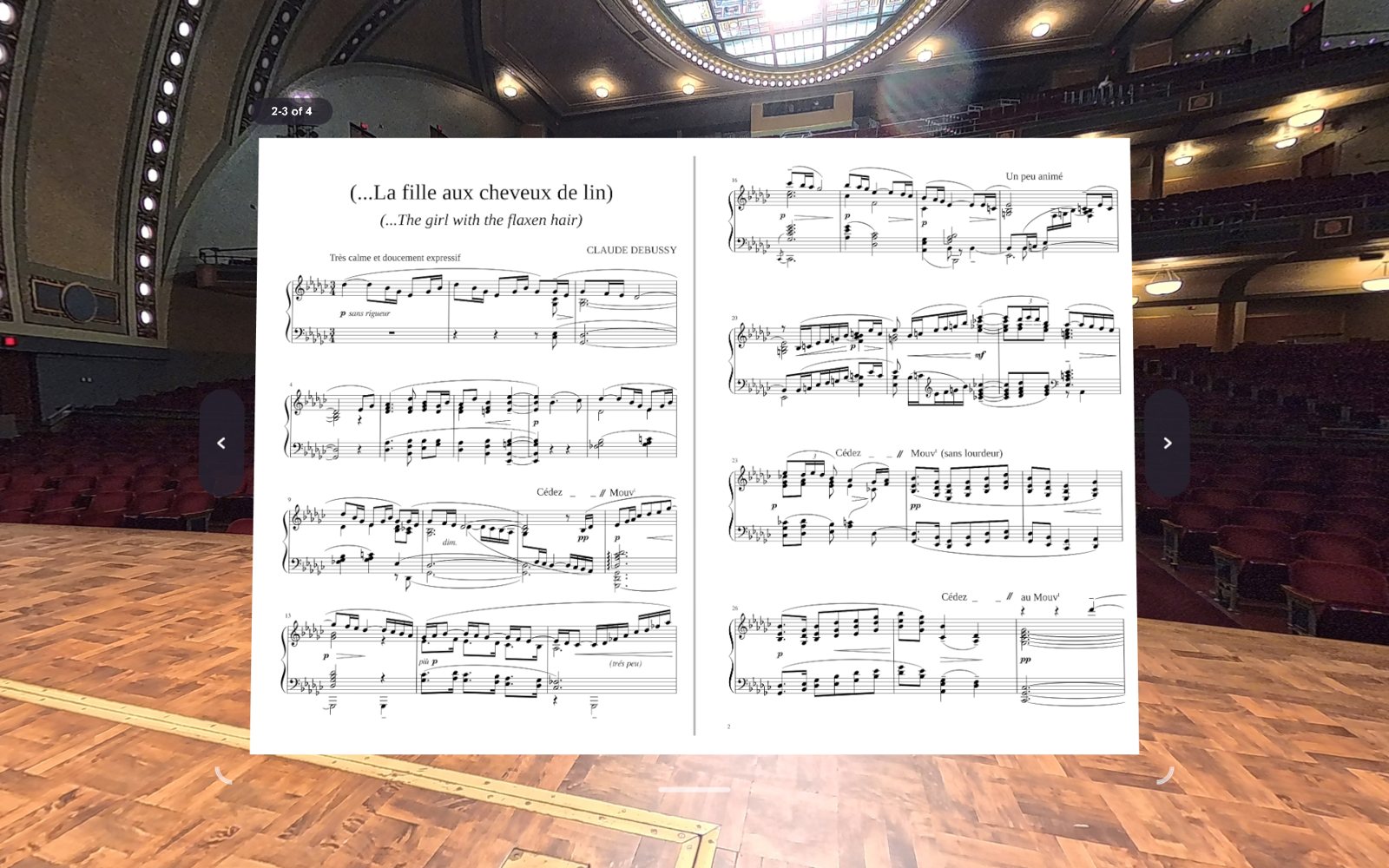
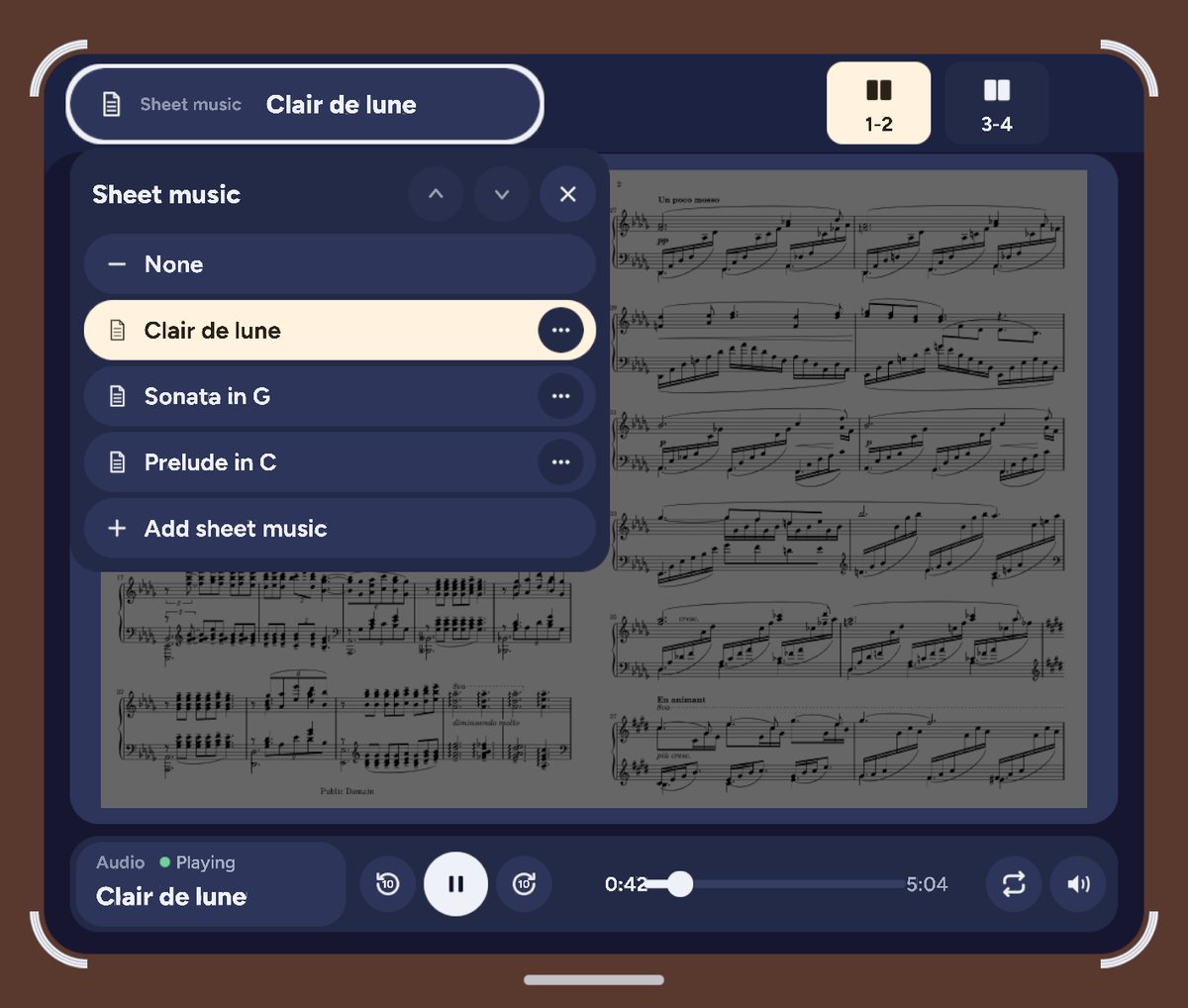
A concert hall around you on the Quest came together in the first few days. Music you can read on a stand in front of it took longer. Our first test page looked like a failure, until we noticed it had been drawn on a plain panel. Drawn on the headset's own display layer instead, it read clean. We've drawn music that way ever since.
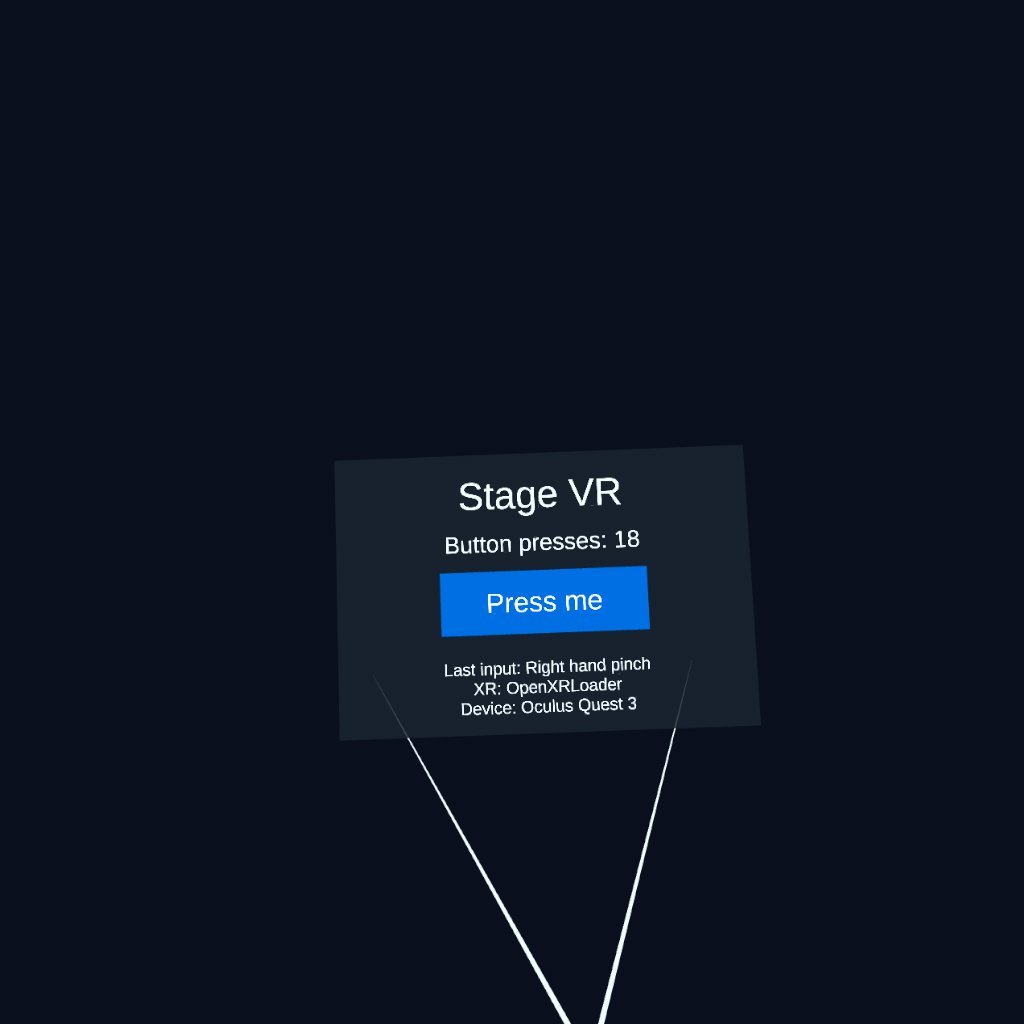
The controls took longer to get right. My early menus looked like phone screens floating in the air. "This is not a phone, think VR" became something I said a lot. What helped most was reviewing one screen and one question at a time, first as a mockup and then on my own Quest, and watching the videos my partner sent back after putting it in front of other people.
Starting a performance
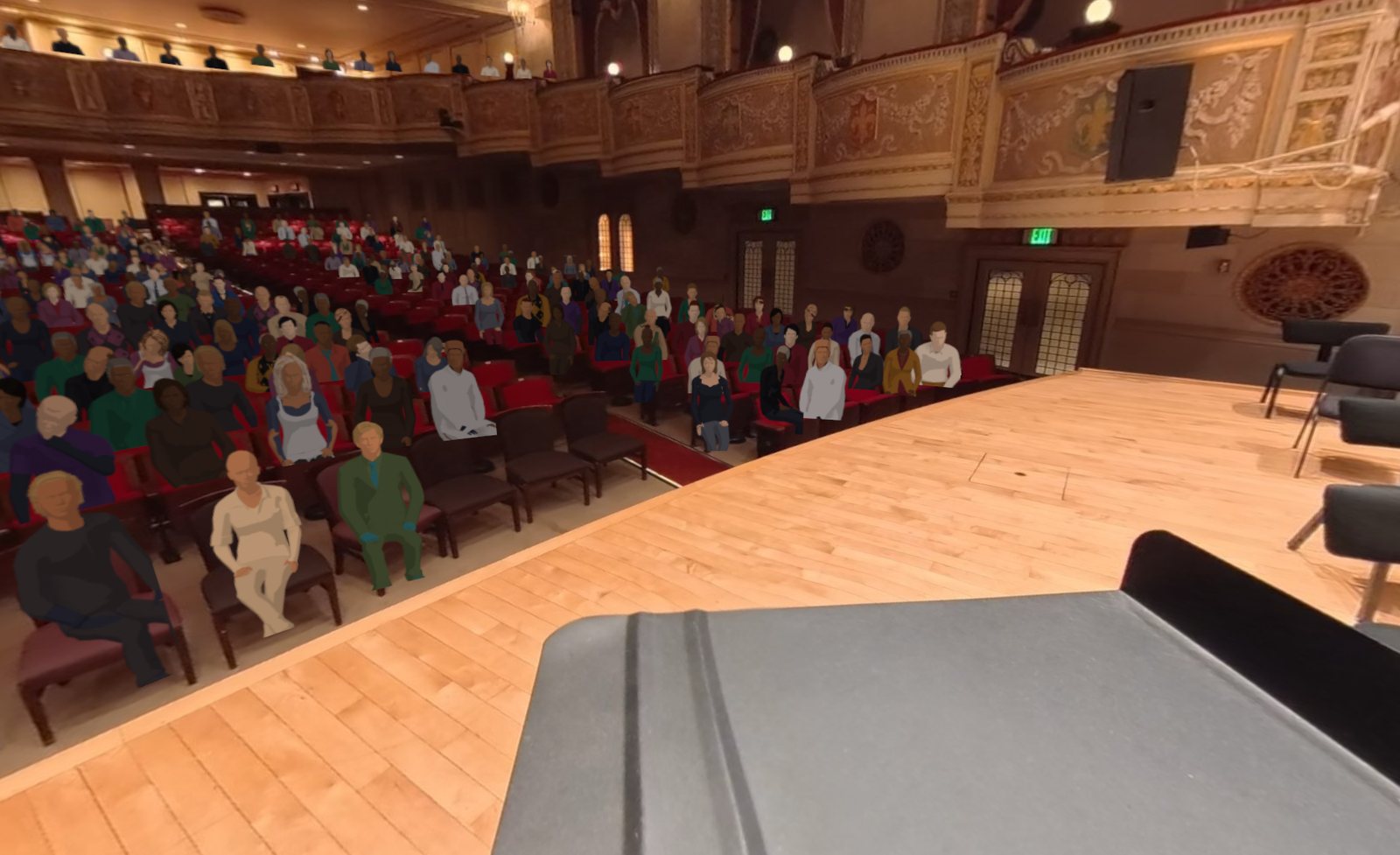
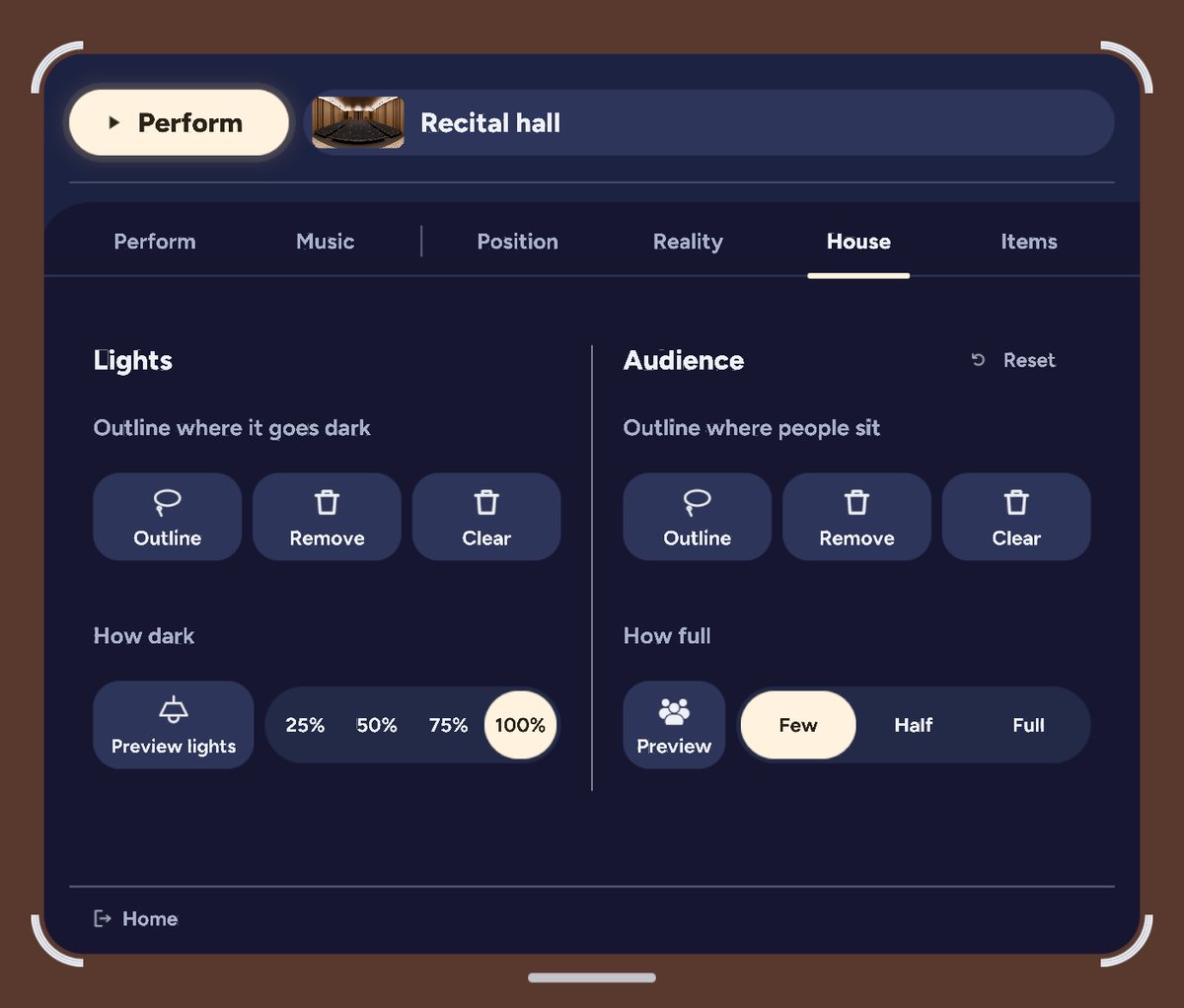
At Piano Lab Pro, students told us the scary part wasn't the music. It was the house lights going down and the room going quiet. I wanted that moment in StageBright to be one button. Press Start and the crowd fills in, the house lights go down, the hall's echo comes up on your own playing, and the menu gets out of your way. Press Stop and the lights come back up, followed by applause that my partner recorded from a real orchestra audience.
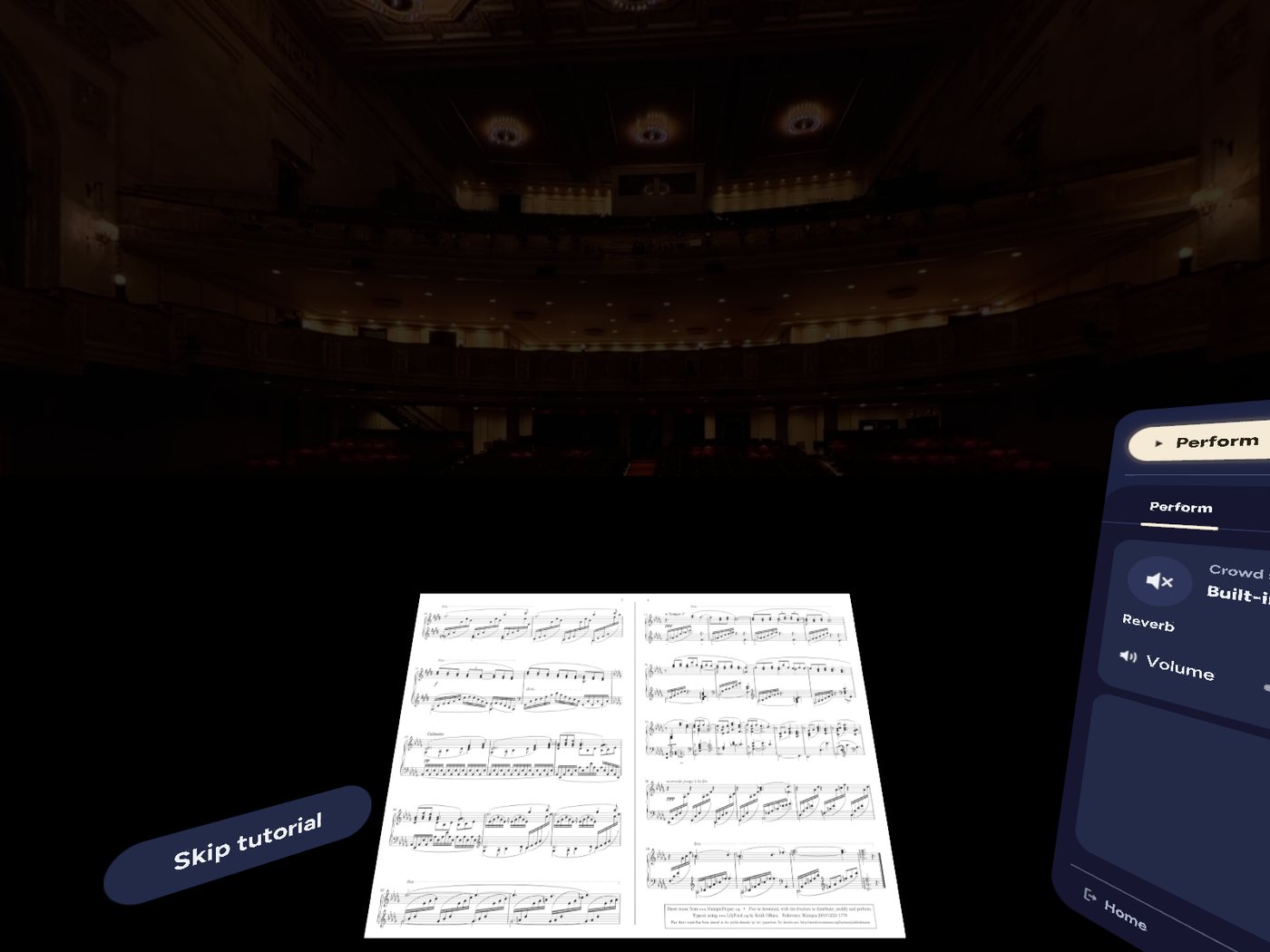
The two halls are 3D models rendered into 360 images, with every seat mapped from the model so the crowd sits in real seats. When the lights go down, you're looking at a second render with the house lights off. It isn't perfect yet. In November I was still fixing audience members whose legs poked through the front of the stage.
What we left out
We built a see-through shape around your hands so you could see your real instrument while the hall stayed around you. On a keyboard it works. With a flute or a violin up near your face, it breaks the illusion of being on stage. So StageBright leaves it out. It also leaves out accounts, join codes and the companion website. Everything runs on the headset with no internet, because practice rooms don't always have good Wi-Fi, and a nervous musician shouldn't have to sign in to anything.
How I work with Claude Code
Claude Code writes the code, and it's fast, so what I watch for is drift, where changes that each make sense on their own slowly pull the app away from what we decided. Every technical decision goes into a log with the reasoning and the options we didn't take, and that log is past 600 entries. Every build I test on my own Quest comes with a test card that says what to install, what to do and what to look for. If I were handing this project to another product person tomorrow, the log is what I'd give them first, because it explains why things are the way they are.
Where it is now
StageBright is in testing on the Meta Quest store, and my partner is using it with students in several states who are getting ready for auditions. What I don't know yet is whether a session in StageBright makes the real performance easier. That's the question I most want answered, and the students using it are the ones who can answer it.